
Trackers, sensors and AI cameras for working fleets.
Nine kinds of hardware, each matched to the vehicle, installed and calibrated by our own technicians, and connected to one platform. Here is what each one measures and what it will tell you.
Every installation includes
- A survey of your vehicles, tanks and routes
- Hardware matched to each vehicle, not a one-size kit
- Installation and calibration by our own technicians
- Platform setup, training and local support
GPS tracking
Live position, trip history and alerts for vehicles, equipment and people, from GNSS trackers chosen for each job.
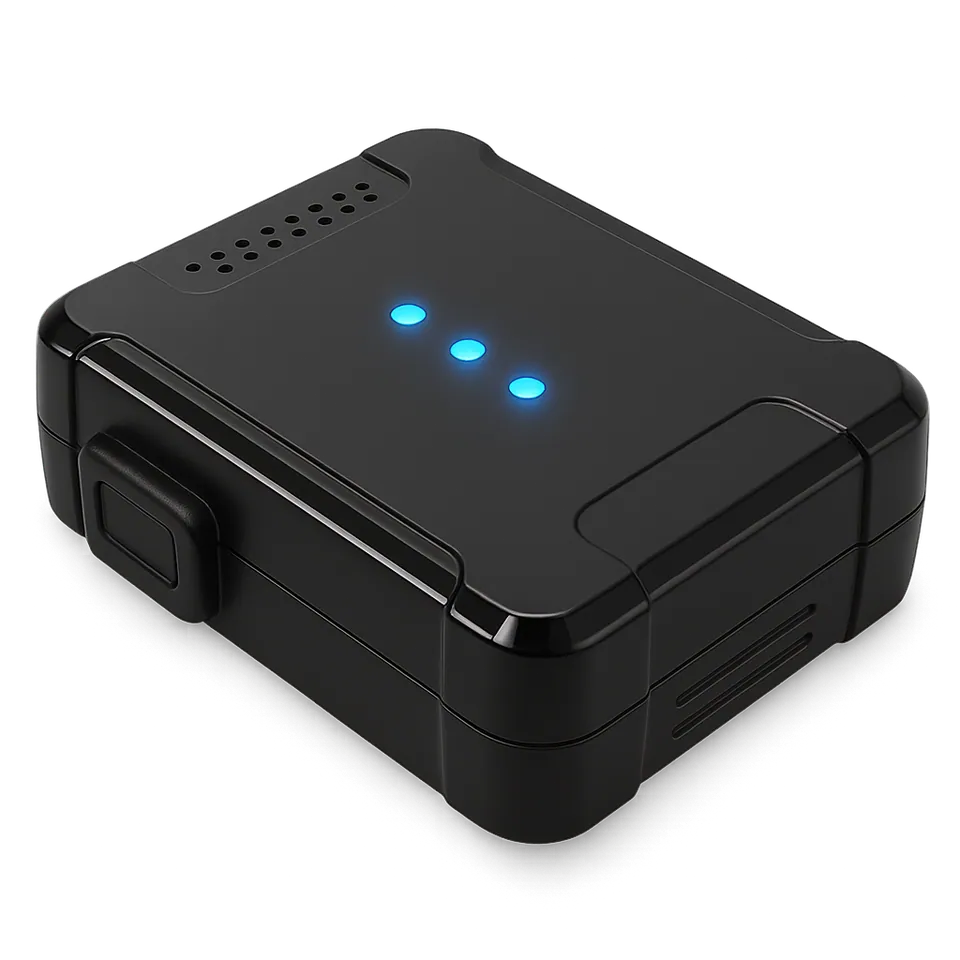
Where everything is, where it has been, and what it did there.
The tracker reports position, speed and ignition at the interval you set, and at once when something happens: a geofence crossing, a harsh brake, a cut to its power. Out of coverage, it keeps recording and uploads when the signal returns, so trip history has no gaps.
- Live map
- Position, speed, heading and status for every unit, updated as it moves.
- Trip history
- Routes, stops, distance and driving time for any day, replayed on the map.
- Alerts
- Speeding, geofence entry and exit, out-of-hours use, tracker power loss.
- Reports
- Mileage, utilization, idling, stops and site visits, scheduled to your inbox.
Four kinds of tracker, one platform.
-
Vehicle
Wired to power and ignition, out of sight behind the dash. For cars, pickups, trucks, buses, motorbikes and heavy machinery.
-
Asset
Battery powered with long standby, for trailers, containers and equipment with no power of their own. Reports on a schedule and whenever it moves.
-
Fixed
For equipment that stays put but still needs watching, like generators and pumps, reporting runtime and status alongside location.
-
Portable
Travels with a person or a consignment: field staff, couriers, high-value parcels. Some models add an SOS button.
Fuel management
Live tank levels, and an alert or report for every filling, drain and change in consumption.
Every change in the tank, read against what the vehicle was doing.
A sensor calibrated to the tank reports the level continuously. The platform sets every rise and fall against ignition, location and time, so a refuel, a normal day's consumption and a theft each show up as what they are.
-
Level
Liters in the tank right now, on the map and on each vehicle's card.
Low-fuel alerts
-
Filling
Every refuel with time, place and volume, to check against fuel cards and receipts.
Refuel report
-
Drain
Sudden drops while parked or with the engine off, raised at once with location and volume.
Drain alert
-
Economy
Consumption per 100 km and per engine hour, by vehicle and driver, so idling and heavy feet show.
Consumption report
We calibrate every tank, because a sensor measures height, not liters.
Tanks are rarely regular shapes, and two that look alike can hold different volumes at the same height. Calibrating each one makes the figure on screen match the tank, full or nearly empty, and turns a drain alert into evidence.
On many newer trucks, fuel used can also be read from the engine itself. See CAN intelligence.
-
Inspect the tank
Shape, condition and access decide the probe length and mounting point.
-
Fit and seal the probe
Cut to the tank's depth, fitted and sealed, so any tampering shows.
-
Calibrate in measured fills
We fill in measured steps and record each reading, building a table for that tank alone.
-
Check against a real refuel
Before handover, the platform's figures are compared with a metered refuel and adjusted if needed.
Caught at 02:14, not at month end.
In this example, a truck parked at Mille with its engine off loses 58 liters. With the ignition off, the platform knows it isn't consumption: it flags a drain and sends the place and the volume to your control room and the fleet manager's phone while there is still time to act.
Fuel drain detected02:14 EAT
−58 L
- Vehicle
- ET 3-000111
- Location
- Mille, Afar
- Engine off since
- 01:50
Example alert. The plate, place and figures are illustrative.
Video AI
AI dashcams that warn the driver in the moment, send you the footage, and show you which habits to coach.
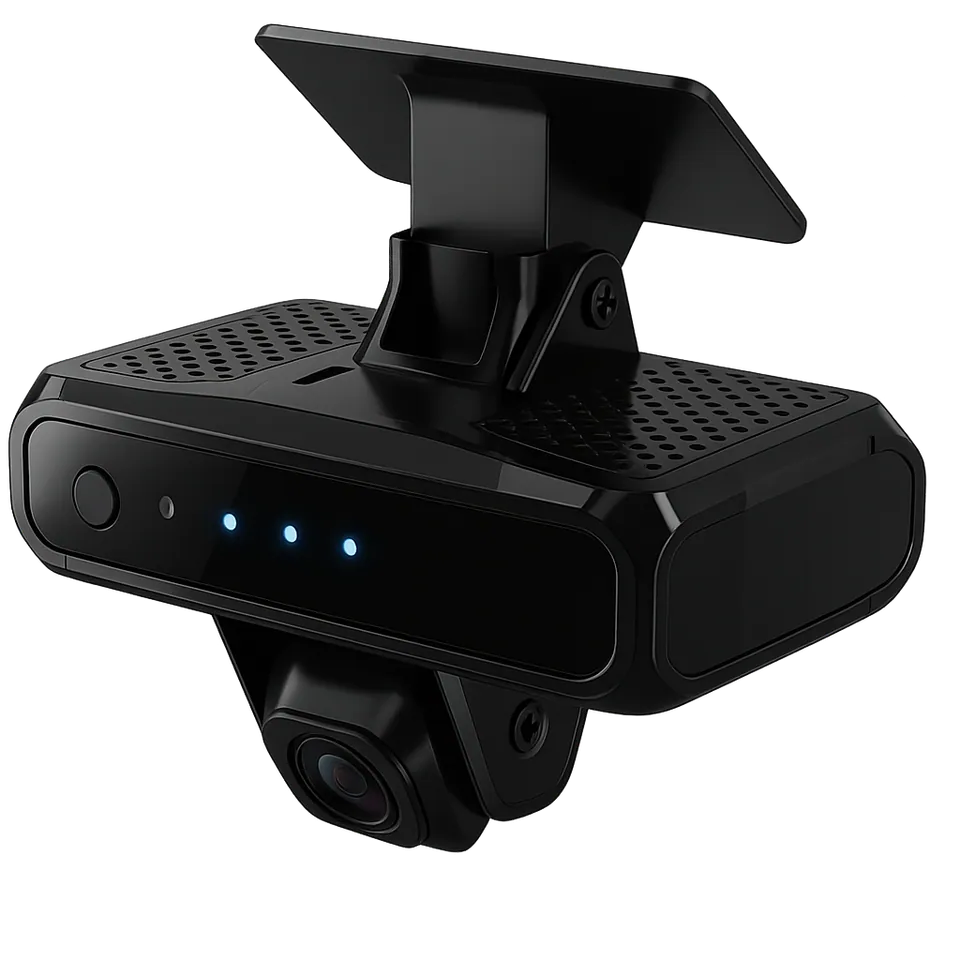
Two cameras, two jobs.
One camera watches the road ahead; the other watches the driver for the fatigue and distraction that come before so many serious incidents. The AI runs on the device, so the warning sounds in the cab instantly, even with no signal.
ADAS, facing the road
- Forward collision warning
- Lane departure warning
- Following too closely
- Pedestrian warning
DMS, facing the driver
- Fatigue and yawning
- Eyes off the road
- Phone use and smoking
- Camera covered or driver missing
Alerts vary by camera model. We'll show you what each option covers before you choose, then tune the sensitivity with you so drivers aren't buried in warnings.
From the cab to your control room in one event.
-
In the cab
A voice alert the moment a risk is detected, while the driver can still react.
-
On the platform
The event arrives with a video clip, the location, the speed and the time.
-
Live, on demand
Controllers stream any camera in real time or pull footage from any trip.
-
In Advisor
Events add up to driver scores and coaching reports that show who needs attention, and why.
Safety and security
Know who is driving, get help to them when something goes wrong, and keep the vehicle from going where it shouldn't.
-
Driver ID
Drivers identify themselves with a card or key tag before starting, so every trip, alert and score belongs to a named person, not just a plate.
Typical use: shared vehicles, shift work, driver scoring
-
Immobilizer
Blocks a restart, on command from the platform or when no valid driver ID is presented. It prevents a restart rather than cutting the engine at speed.
Typical use: theft recovery, rental and leased vehicles
-
SOS
A discreet panic button that sends an alarm with the vehicle's location straight to your control room, so help knows exactly where to go.
Typical use: cash in transit, night routes, lone drivers
-
Speed limiter
Holds the vehicle to a maximum speed you set, warning the driver as it gets close. The platform shows where and when the limit was reached.
Typical use: buses, tankers, urban delivery
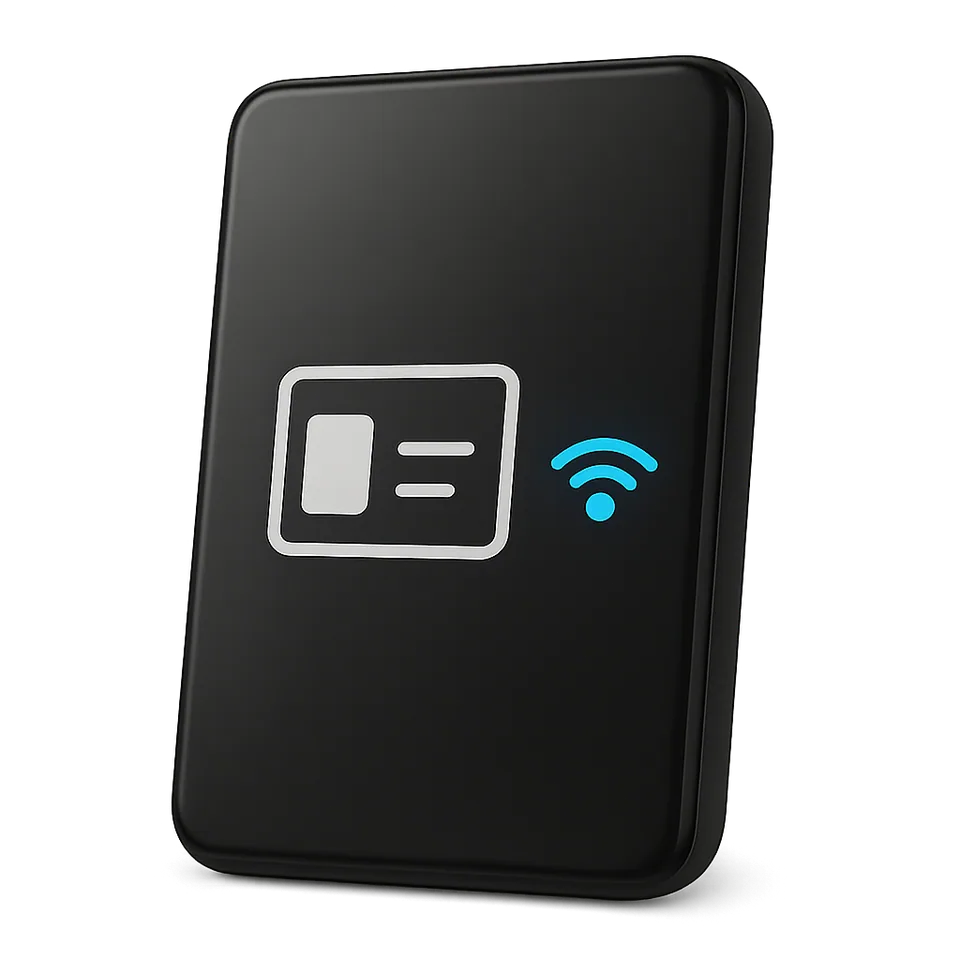
Every trip belongs to a named driver.
We wire immobilizers and limiters into each vehicle's electrical system and test them with your team before handover. Driver ID cards are registered on the platform, so a new card is issued, or a lost one revoked, from the office rather than the workshop.
CAN intelligence
Engine data from the CAN bus and OBD port: fuel used, engine hours, fault codes and how the vehicle is really driven.
The vehicle already knows. We connect you to what it knows.
Modern vehicles report a stream of data on their internal network. A CAN reader, often a contactless clip that doesn't cut into the wiring, passes it to the tracker, so the platform that shows where a vehicle is also shows how its engine is doing.
- FMS
- The standard interface on many trucks and buses: fuel used, engine hours, odometer and, where supported, axle weight.
- OBD
- The diagnostic port on light vehicles: speed, RPM, fuel level and fault codes, plugged in or wired.
- DTC
- Trouble codes the moment the engine raises them, so a warning light becomes a workshop ticket, not a breakdown.
- Tacho
- Driving and rest times from digital tachographs where fitted, for working-hours records.
Engine data
- Engine speed
- 1,380 rpm
- Engine hours
- 8,416 h
- Odometer
- 214,903 km
- Fuel used, this trip
- 46.5 L
- Coolant temperature
- 104 °C
- Fault code
- SPN 110, FMI 0
Example readout from a truck's FMS interface. The fault code means coolant temperature is above its normal range.
-
Maintenance on real usage
Service reminders driven by actual engine hours and odometer readings, and instant alerts on fault codes.
-
Driving performance
Over-revving, harsh acceleration, idling, braking and cruise control use, from the vehicle's own sensors rather than estimates.
-
What we check first
What a vehicle shares depends on its make, model and year. We confirm the data available for each model before quoting, and add sensors where the CAN bus can't help.
Usage-based insurance
Driving data that lets insurers price cover on how a vehicle is used, and lets careful drivers pay less.

Two sides of the same data.
For insurers
- Price on observed risk, not just vehicle type and age
- Offer pay-as-you-drive and pay-how-you-drive products
- Check a claim against location, speed and video from the moment it happened
- Spot rising risk on a policy before renewal
For fleets and owners
- Lower premiums for good driving, with the data to prove it
- Clear evidence when a claim is disputed
- Driver scores that make coaching specific
How driving becomes a premium.
-
Record
A tracker or camera logs distance, time of day, roads used and events like harsh braking and speeding.
-
Score
Behavior becomes a risk score for each driver and vehicle, on criteria agreed with the insurer.
-
Price
The insurer sets premiums, discounts and renewals from the scores, per kilometer or per driving style.
-
Improve
Drivers see their scores, coaching follows, and lower risk shows at the next renewal.
Tire intelligence
Pressure and temperature for every wheel, live, so a slow leak is fixed in the yard, not on the roadside.
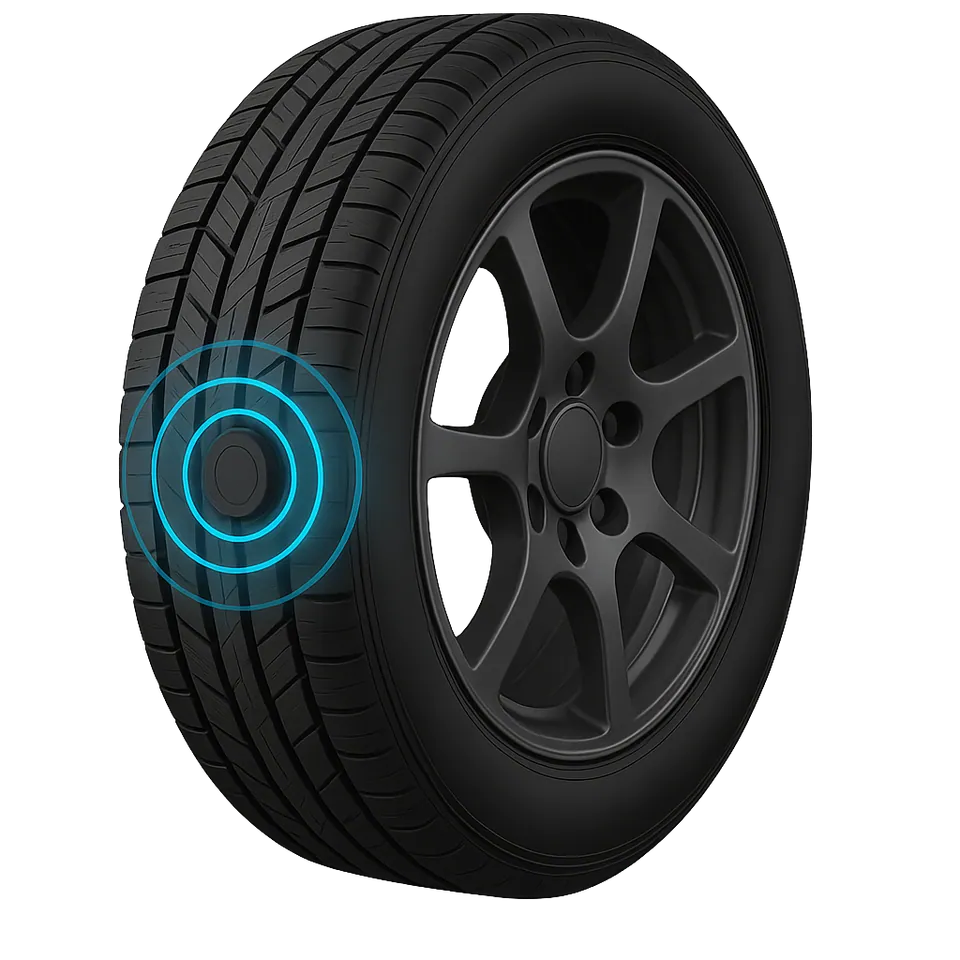
Every wheel reports in.
A sensor on each wheel sends pressure and temperature to a receiver in the cab, which passes them to the tracker. The driver and the control room see the same warning at the same moment, with the wheel position attached.
- TPMS
- Pressure and temperature per wheel, live, with thresholds for each axle and load.
- Puncture
- Rapid pressure loss raised as an urgent alert; slow leaks caught in the trend before the tire is flat.
- Rotation
- Each tire's position and history on record, so rotations happen on time and wear stays even.
- Tread
- Tread depth logged at inspections and tracked against distance, so tires are replaced on condition.
Heat is what turns a soft tire into a blowout.
An under-inflated tire wears faster, runs hotter and burns more fuel long before anyone sees it. On a loaded truck, watching pressure and temperature together is how you catch it early.
Freight security
Know when cargo is loaded, unloaded or opened, where it happened, and whether it should have.
-
Load sensors
Measure the weight on the axle or in the body, showing where cargo was loaded and unloaded, and catching overloading before a weighbridge does.
-
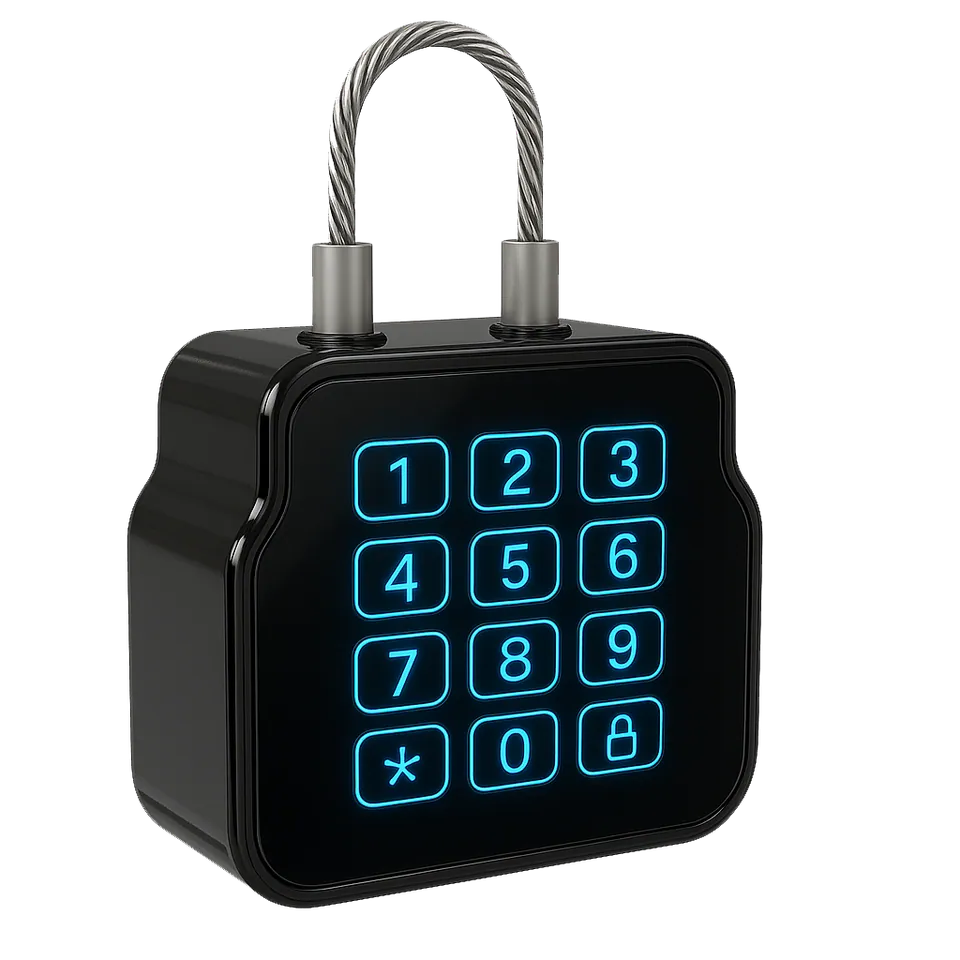
E-locks
An electronic padlock or seal that records every opening with time and place. Unlock it from the platform, or only inside an approved delivery zone.
-
Tags
Small tags on pallets, containers and high-value items, confirming the consignment is still with the vehicle it left on.
Example events, one night on the corridor
- 23:41E-lock opened outside the delivery zone
- 23:44Load fell at an unscheduled stop
- 06:10E-lock opened at the consignee's gate
Built for
RFID and BLE IoT
Identify and locate people, documents and equipment where GPS can't reach: warehouses, hospitals, offices and yards.
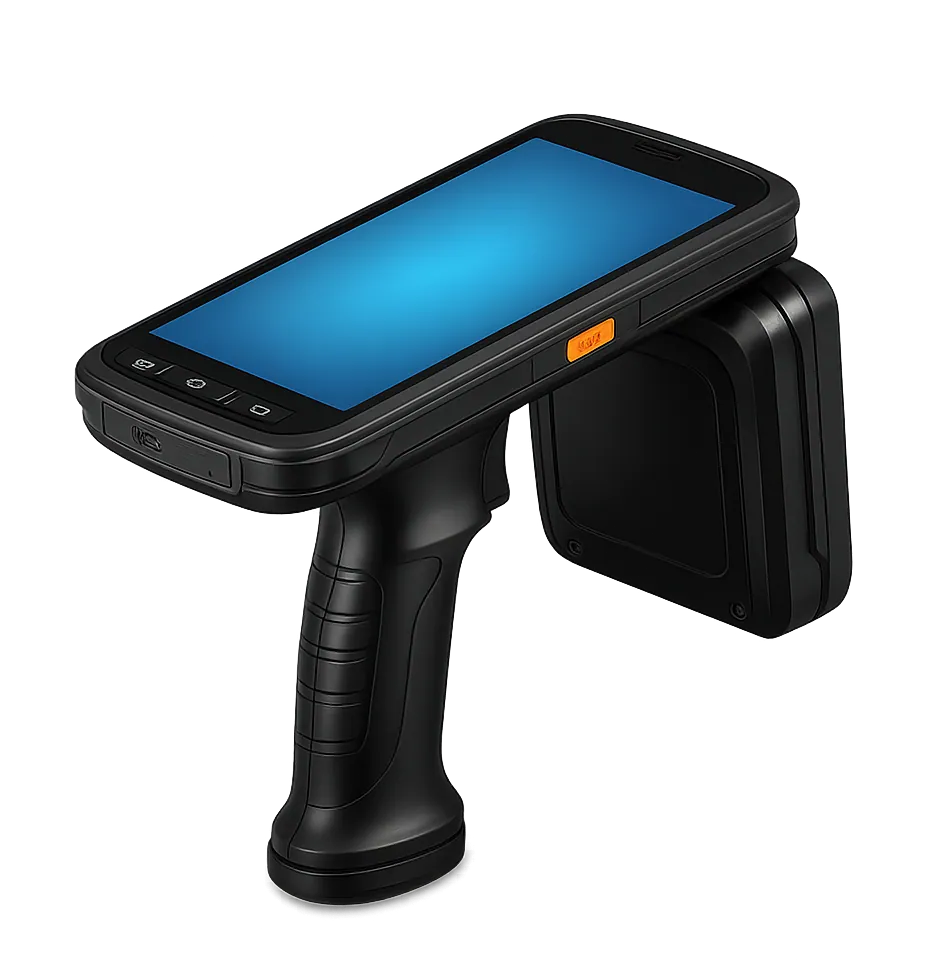
Indoors, a tag does what a tracker does outside.
Tags on items and ID cards on people are picked up by fixed gateways and handheld readers. The platform knows which tag was seen, by which reader and when, so you can find an item, count stock, or see who signed out the file.
-
RTLS
Real-time location of tagged people and equipment inside buildings and yards, from BLE beacons and gateways.
-
ID
RFID cards for drivers, staff and visitors, used for access, attendance and vehicle identification, and connected to your HR or access systems through our API.
-
Asset tracking
Check-in and check-out for tools, IT equipment and files, with an audit trail of who had what.
-
NFC
Tap-to-confirm checkpoints for guard patrols, inspections and site visits, read with a phone.
Hardware questions, answered.
For a device you already have installed, call support on +251 944 334 343.
Will this work on our older vehicles?
Yes. Trackers, fuel sensors, cameras and driver ID work on vehicles of any age, because they connect to power and ignition, not to the vehicle's electronics.
What age changes is engine data. Newer vehicles share fuel use, engine hours and fault codes over the CAN bus; on older ones, dedicated sensors give the same answers.
How long does installation take, and will vehicles be off the road?
It depends on the hardware. A tracker is a short job; fuel sensors take longer because each tank is calibrated, and cameras need careful mounting and aiming.
We plan around your operation: at your depot or site, in batches, and outside working hours where needed, so most of the fleet keeps running while we work.
Does every fuel tank really need calibrating?
Yes, if you want figures you can act on. The calibration table belongs to that tank alone, so if a tank is replaced or modified, we calibrate it again.
Can drivers tamper with the devices?
We install out of sight and seal fuel probes, and the platform raises an alert if a tracker loses power, a camera is covered or a sensor stops reporting. Tampering becomes an event with a time, a place and a driver attached.
Can you use hardware we already own?
Often, yes. The platform supports a wide range of device makes. We check your existing units first and tell you plainly which ones are worth keeping.
What warranty and support do we get?
Hardware is covered by warranty, with the terms for each device set out in your quote. Our support team handles faults, replacements and reconfiguration: most issues are diagnosed remotely first, and a technician comes out when the vehicle needs hands-on work.
Reach support on +251 944 334 343 or support@translink.et.
Tell us what you operate and where it travels.
We'll recommend the right hardware, explain what each sensor will tell you, and walk you through the platform live. No obligation, and a clear quote at the end.
- Sales
- +251 944 334 344
- Customer success and support
- +251 944 334 343
- hello@translink.et